

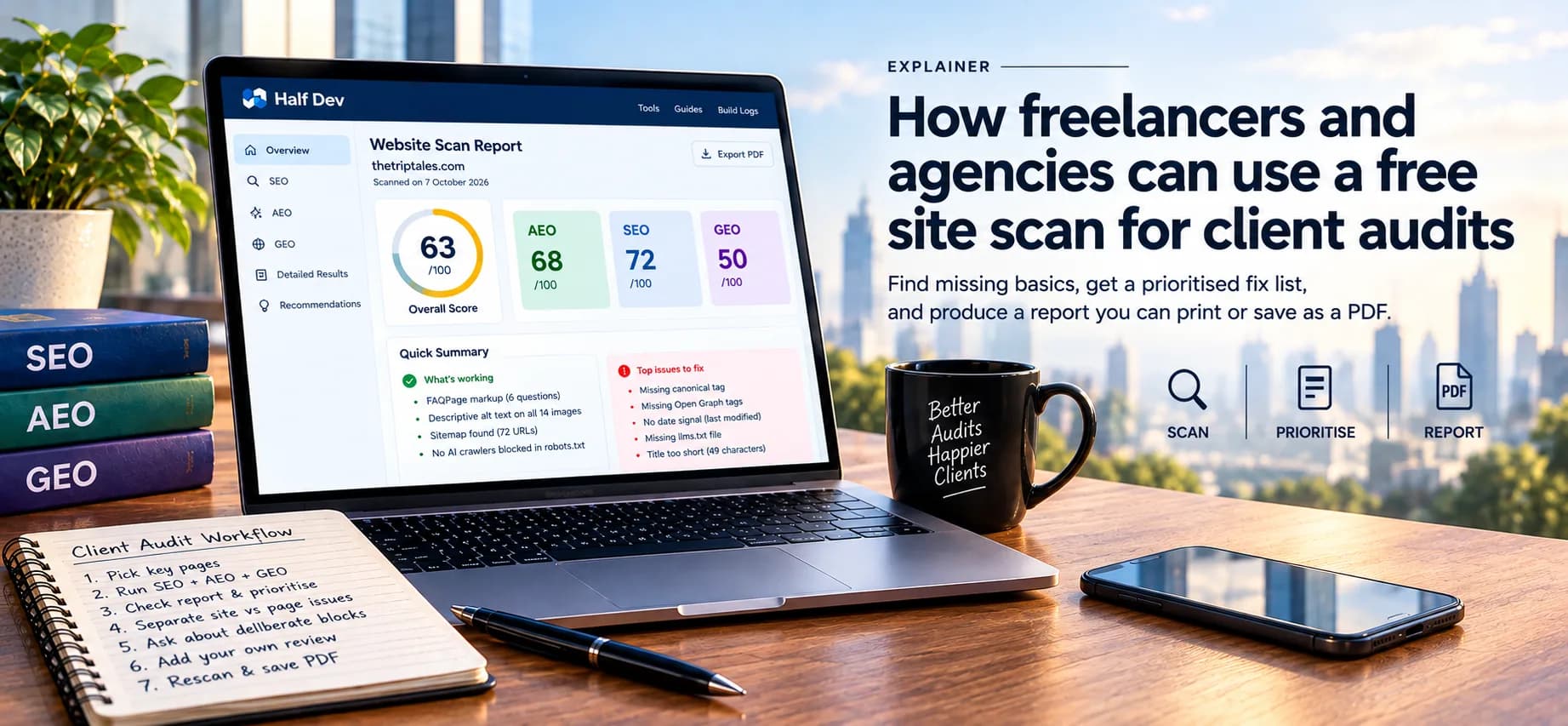
Use the scan as a fast first pass before you start a client audit. It shows which basic signals are missing, gives you a prioritised fix list, and produces a report you can print or save as a PDF. It does not replace your own judgment, and it only looks at one page at a time.
What the scan is good for
- Triage: in a couple of minutes you can see whether a page has the basics: sitemap, canonical tag, titles, alt text, headings, structured data, AI crawler access, llms.txt and FAQ markup.
- Starting a conversation: a printed report with specific findings is easier to discuss than "your SEO could be better".
- Setting a baseline: scan before you make changes and again afterwards, so the client can see what moved.
What it is not
It is a rule-based checklist for one page. It doesn't check backlinks, page speed, content quality, rankings or competitors, and a good score doesn't mean a page will rank or be cited by an AI tool. Don't present it as a full audit, and don't promise results from fixing what it finds.
A workflow that works
- Pick the pages. Scan the home page, one article or product page, and any page the client cares about. Different page types often fail on different checks.
- Run the three checkers. SEO, AEO and GEO each give a score out of 100 with a list of passed, partial and failed checks. If you're not sure how they differ, read SEO, AEO and GEO: what is the difference.
- Open the report for each page. The report lists what is in place, what is missing, why it matters, and what to do, with the biggest point gains first. Read the FAQ markup result with care: FAQ schema is still valid markup, but Google stopped showing FAQ rich results for all sites on May 7, 2026, so don't sell it as a way to get expandable results.
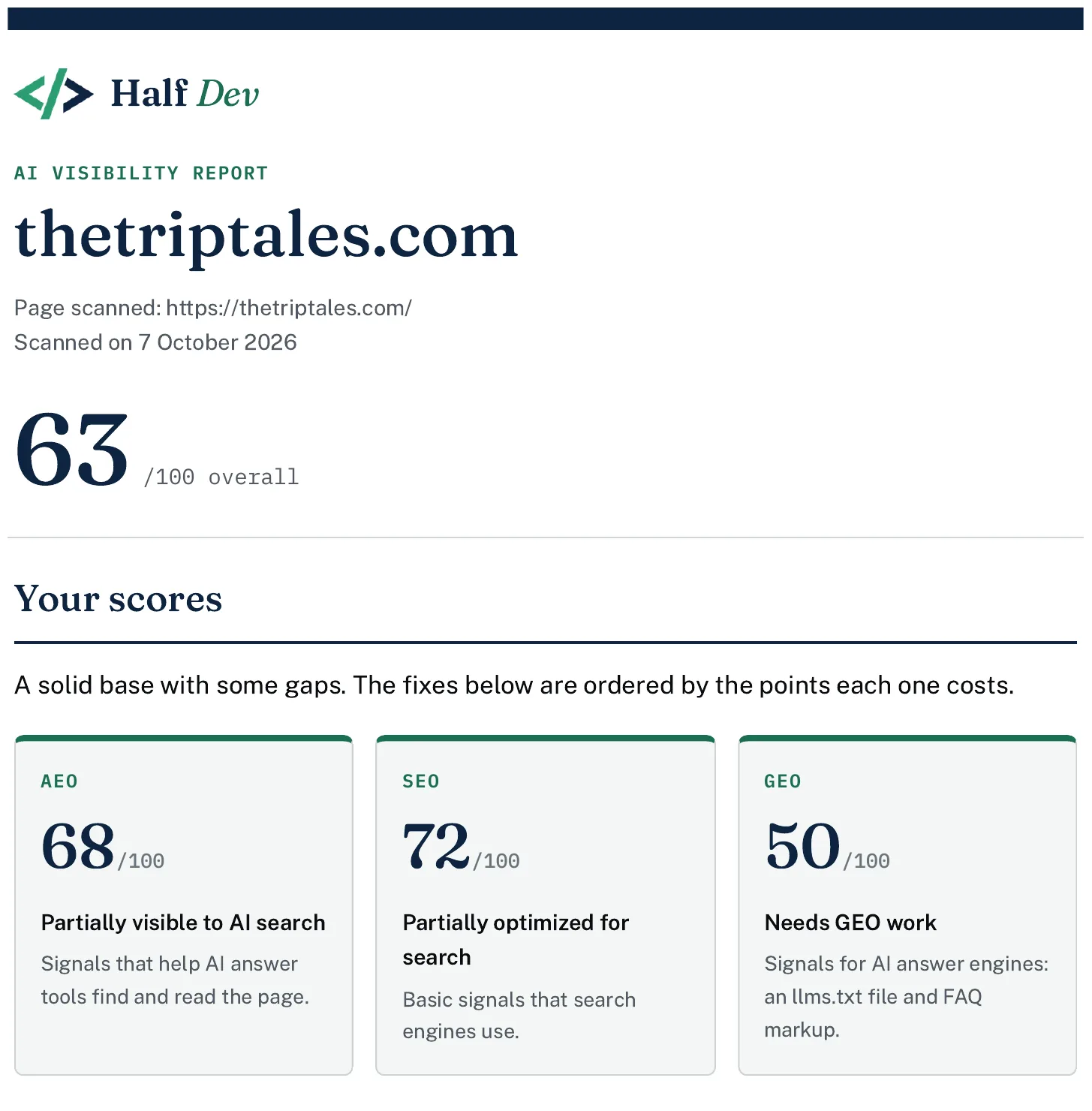
The top of a Half Dev report: the overall score and the three scores.
- Separate site-wide issues from page issues. A missing sitemap or llms.txt is site-wide. Alt text and headings are per page. Fix the site-wide ones once. When you raise llms.txt with a client, explain what it is: a proposed convention, not an official standard, with support that varies by tool. It doesn't allow or block anything, because robots.txt still controls access. We publish one on our own sites because it's a low-cost file, and you can test a client's with the llms.txt checker.
- Check for deliberate choices. If a client blocks an AI crawler on purpose, that's a policy decision, not an error. The scan can't tell whether a block is deliberate or accidental, so ask before you change robots.txt. The AI crawler checker shows which crawlers a site currently allows, which gives you something concrete to ask about.
- Add your own review. Look at the things the scan can't see: content, links, speed, search results. Your usual audit checklist is the right place to cover them.
- Rescan after the changes and keep both reports.
An example of how this plays out
On 7 October 2026 we scanned the home page of thetriptales.com, one of our own sites. It scored 63 out of 100 overall: AEO 68, SEO 72 and GEO 50. In place: FAQPage markup with six questions, descriptive alt text on all 14 images, a sitemap listing 72 URLs, and no AI crawlers blocked in robots.txt. Missing: a canonical tag, the Open Graph tags (og:title, og:description and og:image), a date signal showing when the page last changed, an llms.txt file, and a title of 49 characters, just under the 50 to 60 rule of thumb.
The report ranks fixes by points, so llms.txt comes first because it is worth up to 50. In a client conversation we'd start elsewhere. The canonical tag and Open Graph tags are established basics that take minutes, while llms.txt is a proposed convention with varying support. The points show what the checklist weights, not what matters most to a particular client.
Some findings need a question before a fix. On halfdev.com the scan counted 5 of 6 images as missing alt text because they use an empty alt attribute. The report itself notes that an empty alt is correct for purely decorative images, so the first step is to check which images are decorative, not to write descriptions for all of them.
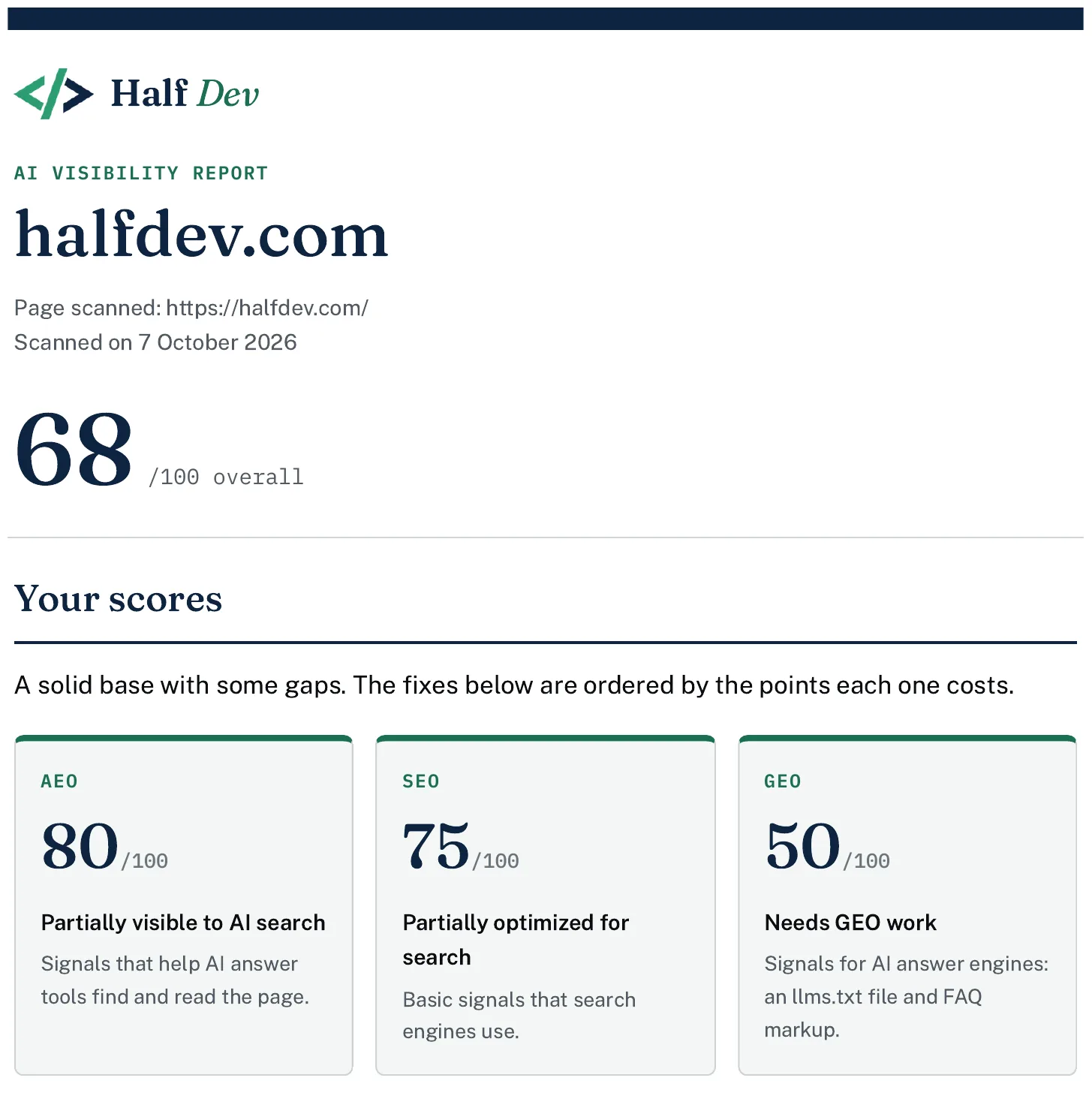
The same report for halfdev.com, where the alt text finding needed a question before a fix.
Different pages fail on different checks. getcoretech.net, another of our own sites, scored 54 out of 100 overall: SEO 86 and AEO 76, but GEO 0, because the scan found no llms.txt file and no FAQ markup. A page can be strong on the basics and still score low on the newer checks, so the three scores are worth reading separately.

A page with strong SEO basics but no llms.txt or FAQ markup, so GEO scores 0.
Presenting it to a client
- Lead with the biggest gaps and how long each fix takes, not with the raw score.
- Use the report's plain language and snippets, and explain that nothing guarantees rankings.
- Keep the tone calm. The report is a checklist, not a verdict on the business.
- Say what the scan didn't cover.
- Save a PDF for the client's records. In your browser's print window, turn on "Background graphics" to keep the header colours. Without them the report is still readable.
Privacy and records
The report is kept in your browser, not on our servers, and it expires after a short time. Save the PDF if you want a record. If you scan client pages, you don't need their login, because the scan reads only the public page.
When to go further
A scan finds basics. If a client needs a deeper analysis or help making the fixes, that's your service, and the report gives you an organised starting point.
If you'd rather hand the work off, Half Dev can do the full analysis and make the fixes. Email reports@halfdev.com with the page you scanned and what you'd like help with.
Comments
No comments yet — be the first.