What actually fixed it
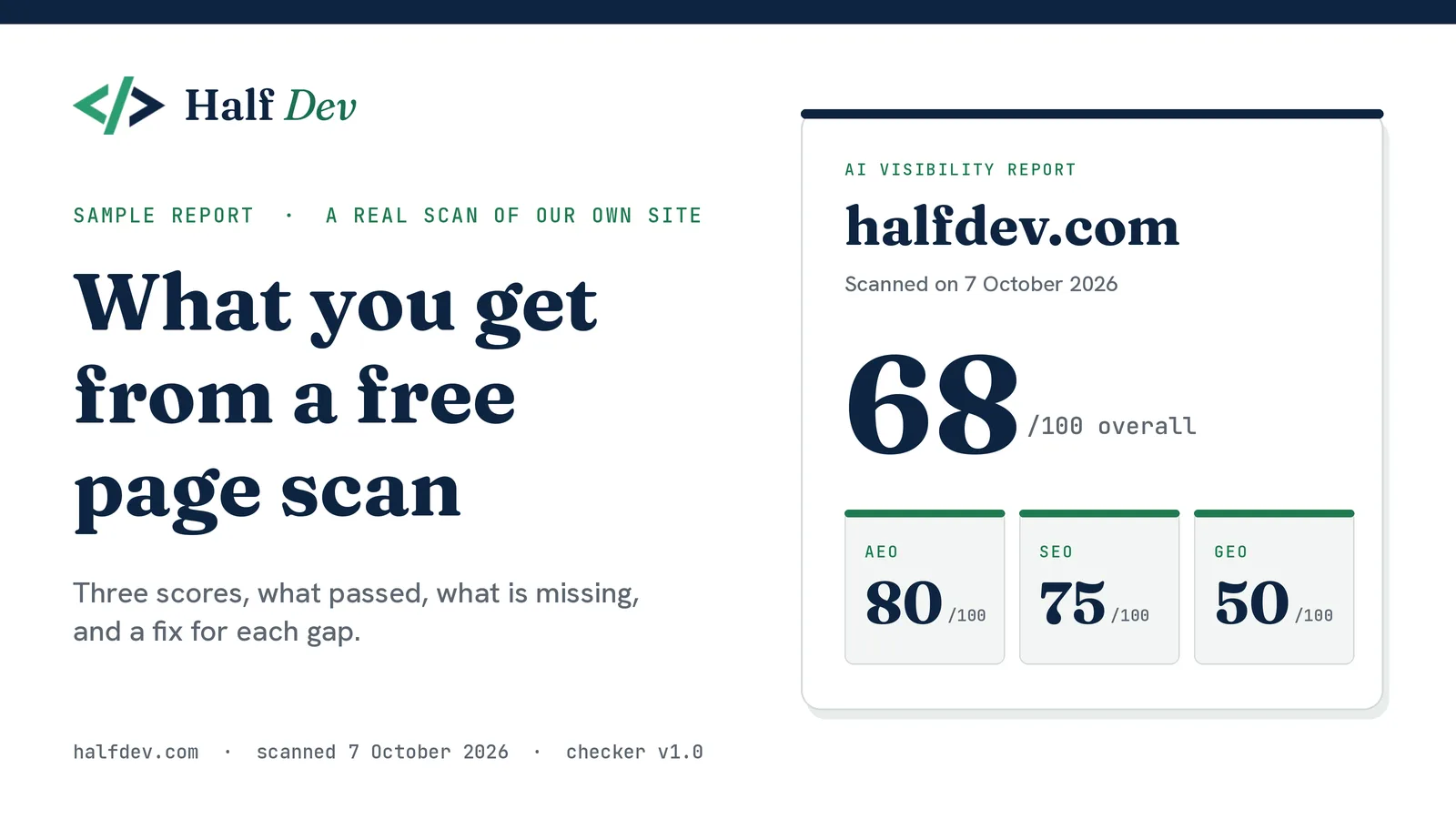
A free scan of one page returns three scores (SEO, AEO and GEO), a list of what passed, and a fix for each gap, ordered by the points at stake. This sample is a real scan of halfdev.com on 7 October 2026 with version 1.0 of the checker: overall 68, with AEO 80, SEO 75 and GEO 50. A pass means a signal is present, not that it is correct, and a good score does not promise rankings or citations.
A free scan of one page gives you three scores, a list of what passed, and a fix for each gap. This page shows a real one. We scanned our own home page, halfdev.com, on 7 October 2026 with version 1.0 of the checker. The screenshots below are cropped from the printed report and not edited.
The full report is built in your browser from your scan, and we don't keep a copy. A shared result link carries only the domain, the three scores and the scan time.
The summary
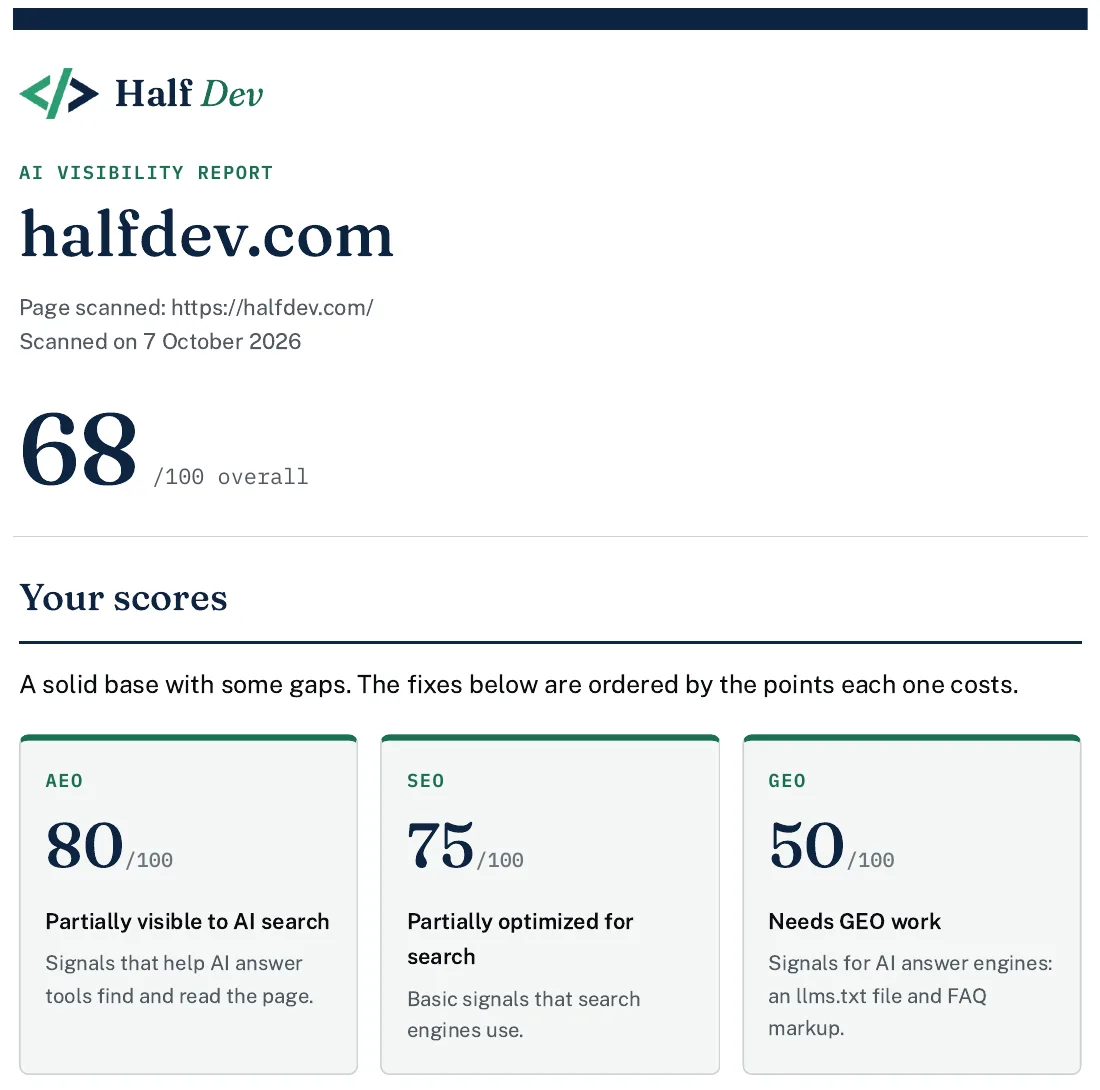
The top of the report: domain, page scanned, scan date, overall score and the three scores.
The report opens with the domain, the exact page scanned, the scan date and an overall score. The overall score is the plain average of the three below it: (80 + 75 + 50) / 3 is about 68.
-
AEO: 80 / 100, labeled "Partially visible to AI search".
-
SEO: 75 / 100, labeled "Partially optimized for search".
-
GEO: 50 / 100, labeled "Needs GEO work".
GEO has only two checks, worth 50 points each. We pass the llms.txt check and miss the FAQ schema check, so the score lands on exactly half. What your Half Dev score means lists every point value and how partial credit works.
What you have
Eight of the twelve checks passed.
Each passed check shows its points and one line on what the scan found. For example, robots.txt does not block any of the 13 known AI crawlers, the sitemap lists 100 URLs, and llms.txt has a title heading and 20 links.
Two of these lines carry a note, and it matters. For structured data, the scan confirms the block exists and lists its types, but does not validate the contents. For the canonical tag, it confirms the tag exists, not that the URL is the right one. A pass means a signal is present, not that it is correct.
What is missing or weak

Four checks lost points. Each shows what was found and why it matters.
-
Freshness signals: Missing, 0 / 20. No Last-Modified header, modified or published meta tag, or JSON-LD date field.
-
Image alt text: Weak, 3.3 / 20. 1 of 6 images have descriptive alt text.
-
Title tag length: Partial, 12 / 20. Title is 49 characters, outside the 50 to 60 range.
-
FAQ schema: Missing, 0 / 50. No FAQPage markup on the page.
Each gap has a finding and a short reason it matters, worded without promising an outcome. The fix comes in the next section. The labels show how far off a check is. Partial means something is present but incomplete. Weak earned only a small share of the points and is shown with the same cross as Missing, so treat it as a fail.
Read the alt text result with care. Five of our six images use an empty alt attribute. That is correct for purely decorative images, but version 1.0 counts it as missing, so the score is lower than the real picture. The report says so under the result. Our post on the known limits of this version explains why, and says a later version will treat empty alt text as decorative.
The title result is a similar case. A 49-character title misses the 50 to 60 range by one character, and the report notes that 50 to 60 is a rule of thumb, not a rule set by Google.
How to improve it
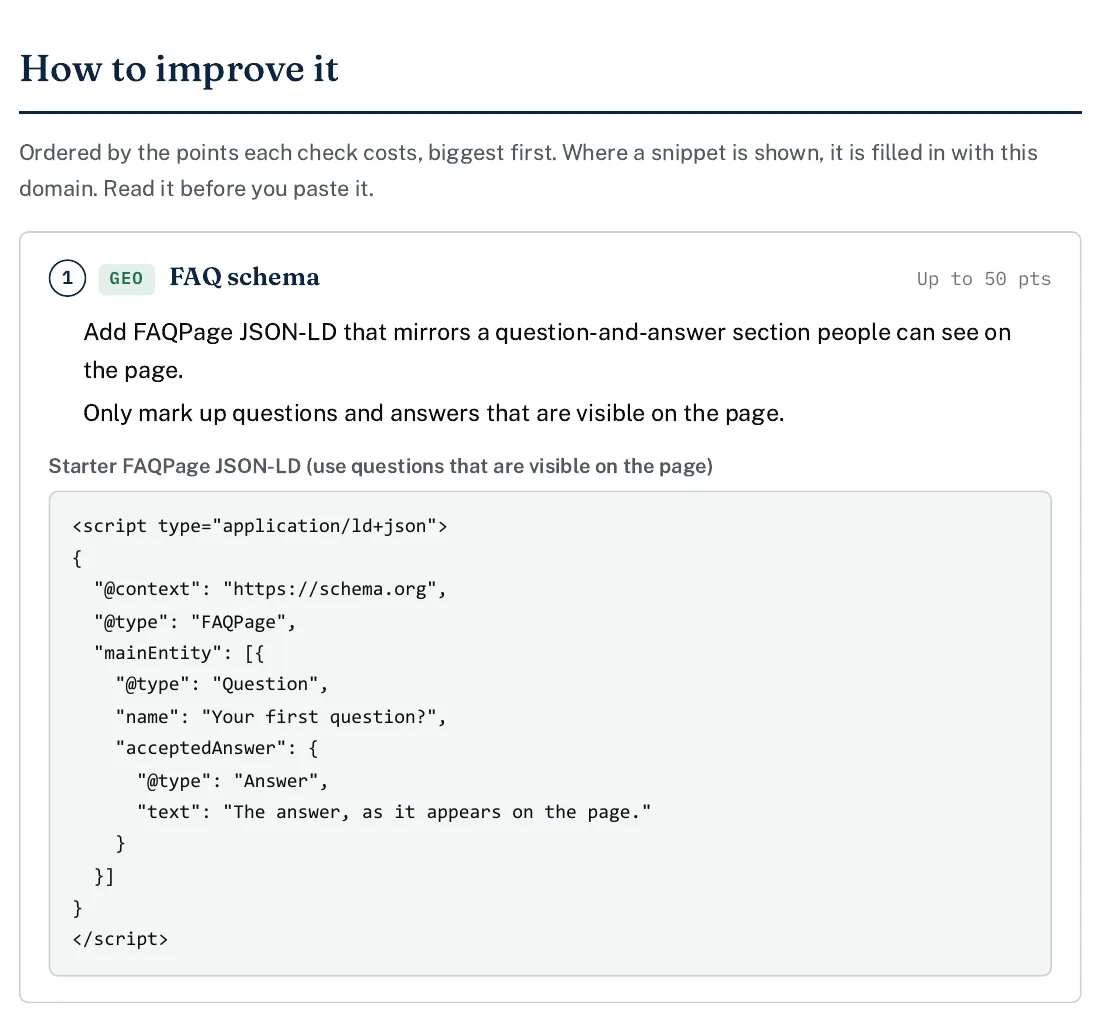
The first fix: what to do, a rule to follow, and a starter snippet.
Fixes are ordered by the points each check costs, biggest first. For this scan that is FAQ schema (up to 50 points), freshness signals (up to 20), image alt text (up to 16.7) and title length (up to 8). Each fix gives plain steps, and a snippet where one helps.
Where a snippet is shown, it is filled in with the scanned domain. This is the freshness example for our home page:
<script type="application/ld+json">
{
  "@context": "https://schema.org",
  "@type": "WebPage",
  "url": "https://halfdev.com/",
  "dateModified": "2026-10-07"
}
</script>
The report adds two rules. Use the date you last changed the page, and change it only when the content has really changed. For FAQ schema, mark up only questions and answers that are visible on the page. A snippet is a starting point, so read it before you paste it.
Points are not a to-do list to maximise. FAQ schema is worth the most here, but it only makes sense on a page that shows real questions and answers.
What this scan does not check
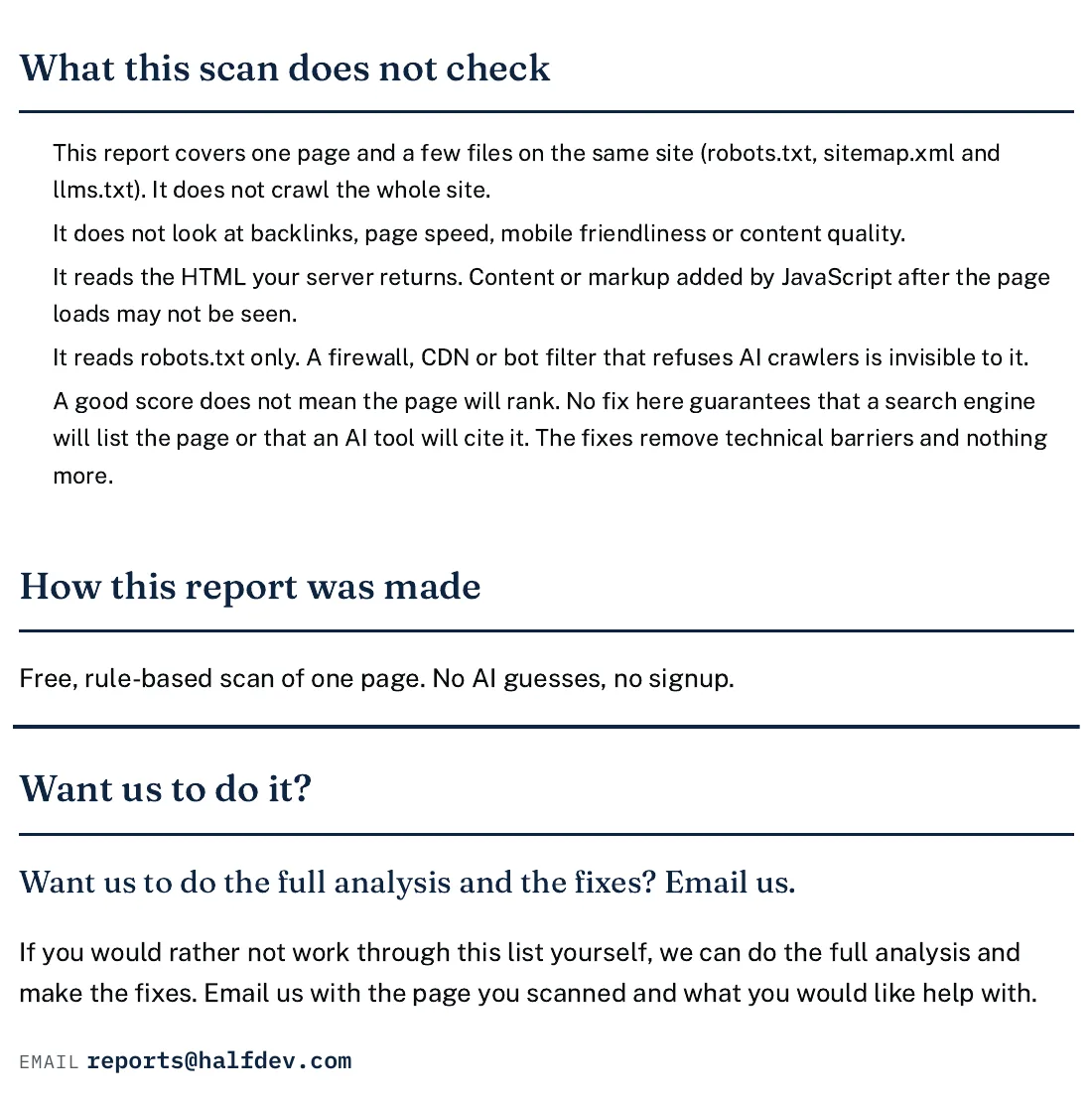
Every report lists its limits, then ends with an optional offer of help.
Every report says this plainly:
-
It covers one page and three files on the same site: robots.txt, sitemap.xml and llms.txt. It does not crawl the whole site.
-
It does not look at backlinks, page speed, mobile friendliness or content quality.
-
It reads the HTML your server returns, so markup added by JavaScript after the page loads may not be seen.
-
It reads robots.txt only, so a firewall, CDN or bot filter that refuses AI crawlers is invisible to it.
-
A good score does not mean the page will rank or that an AI tool will cite it. The fixes remove technical barriers and nothing more.
Print or save it
The report can be printed or saved as a PDF from your browser's print window. A footer with the scan date repeats on every page. The navy header band prints only if "Background graphics" is turned on, and without it the report is still readable. The screenshots on this page come from that print view. How we built the Half Dev report covers why it works this way.
Want us to do it?
The report ends with an optional offer. If you would rather not work through the list yourself, email reports@halfdev.com with the page you scanned and what you want help with. The scan and the report are free either way.
Run your own
Scan any page for free. Start with the one that matters most to you, usually your home page. One scan runs all three checkers, whichever you start from:
Two focused pages answer one question each: the llms.txt checker and the AI crawler checker.
Read what your Half Dev score means before you decide what to fix first. For the wider basics, use the SEO audit checklist for a new site. If you scan sites for other people, see how to use a free site scan for client audits. For how the checker itself works, read how we built the free AI visibility checker.
Tools: SEO checker · AEO checker · GEO checker · llms.txt checker · AI crawler checker
Related posts: What your Half Dev score means · SEO audit checklist for a new site · How we built the Half Dev report · How to use a free site scan for client audits · How we built the free AI visibility checker
Want something like this built for your business?
See AEO & GEO services



Comments
No comments yet — be the first.