

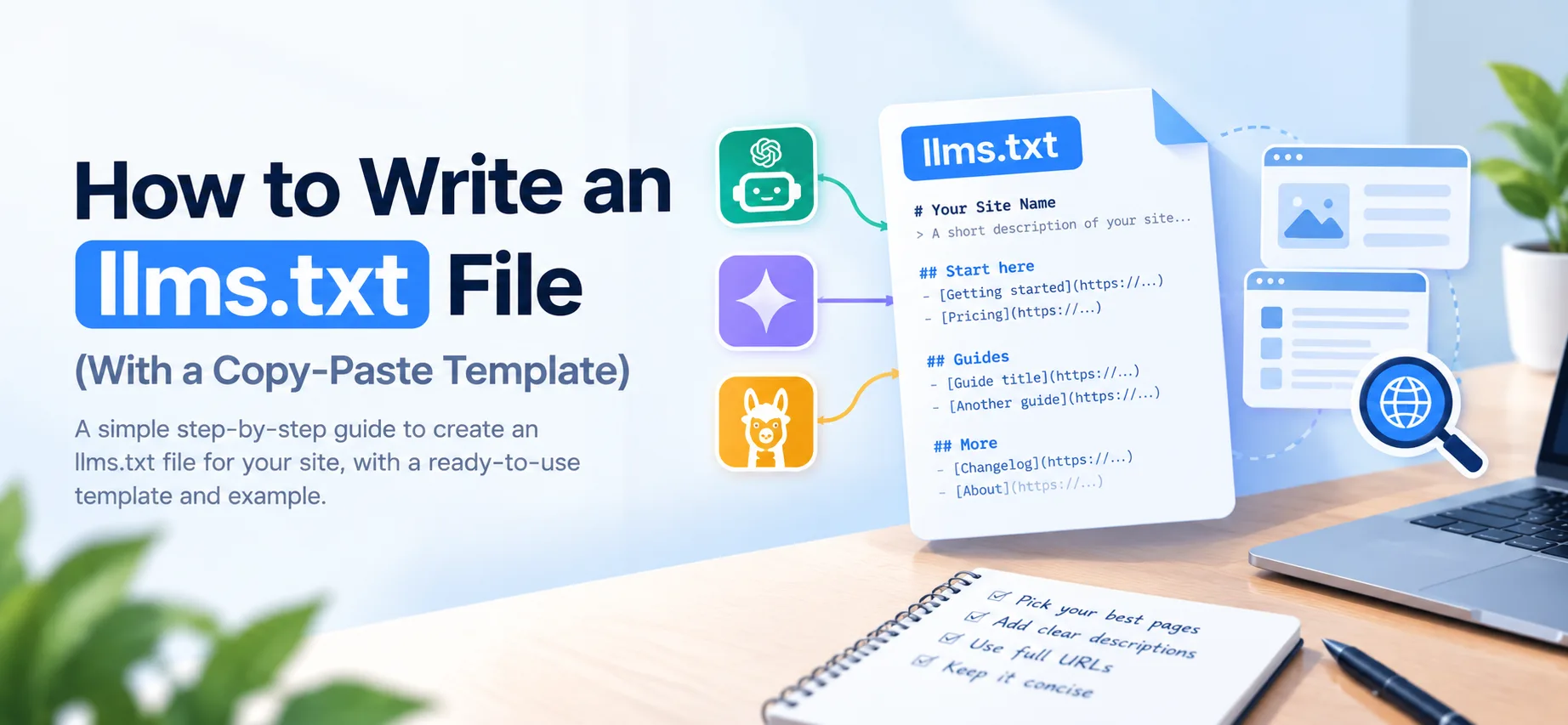
To write an llms.txt file, create a plain-text Markdown file with your site name as a top heading, add a one-line summary, list your most useful pages with a short description each, and upload it to the root of your domain so it loads at yourdomain.com/llms.txt. Most sites can finish a first version in one sitting. The template and a filled-in example are below.
llms.txt is a proposal, not an official standard, and it does not allow or block anything. Access rules still belong in robots.txt. If you are still deciding whether it is worth your time, read what llms.txt is and whether you need one first. We publish one on all three of our own sites because it is cheap and it works as a clear guide to our best pages for any tool that reads it. We do not claim it lifts rankings or gets you cited.
The template
Copy this, swap yourdomain.com and the example text for your own details, and save it as llms.txt:
# Your Site Name

> One or two sentences on what your site is and who it is for.

Optional notes: anything an AI model should know before reading the links, such as which product the docs cover or what the content does not include.

## Start here

- [Getting started](https://yourdomain.com/start): How to set up and use the product in ten minutes
- [Pricing](https://yourdomain.com/pricing): Plans, limits and what each includes

## Guides

- [Guide title](https://yourdomain.com/guides/topic): What the reader will learn
- [Another guide](https://yourdomain.com/guides/other-topic): What the reader will learn

## Reference

- [API reference](https://yourdomain.com/docs/api): Endpoints, parameters and authentication

## More

- [Changelog](https://yourdomain.com/changelog): Release history
- [About](https://yourdomain.com/about): Who we are
Only the title line is required. Everything else is a convention you can use or drop. The first version of the proposal tied a section named Optional to tooling that left its links out of a short context. Version 2, published in August 2026, dropped that tooling, so Optional no longer has a mechanical meaning. It is still allowed as a convention for secondary links, and you can name a lower-priority section whatever suits you.
A filled-in example
Here is the same structure completed for a made-up business, so you can see what good descriptions look like. The company and domain are fictional.
# Northgate Cycles

> Northgate Cycles is an independent bike shop and repair service. This site covers our repair prices, how to book a service, and our guides to buying and maintaining commuter bikes.

The site covers commuter and touring bikes only. It does not include road racing or mountain bike content.

## Start here

- [Book a service](https://www.northgatecycles.example/book): Choose a repair type, pick a slot and see turnaround times
- [Repair prices](https://www.northgatecycles.example/prices): Fixed prices for tune-ups, tyre changes, brake work and wheel truing

## Guides

- [How to choose a commuter bike](https://www.northgatecycles.example/guides/choose-commuter-bike): Frame sizes, gearing and budget ranges for daily riding
- [How often to service your bike](https://www.northgatecycles.example/guides/service-schedule): A mileage and season-based maintenance schedule

## More

- [About](https://www.northgatecycles.example/about): Who runs the shop and where to find us
Notice what the description lines do. Each one says what a reader will find, in plain words, without repeating the link title. For more filled-in files from real sites, see llms.txt examples and what to put in yours.
Step by step
1. Pick your best pages, not all of them
Aim for roughly 10 to 30 links. This is a curated map, not a sitemap. If you list every URL you have, you have rebuilt sitemap.xml and lost the point. Choose the pages that answer the questions people actually ask about you: how it works, what it costs, how to get started, and your strongest guides. If you are not sure how the two files differ, robots.txt, sitemap.xml and llms.txt: what each file does lays out the roles side by side.
2. Write a real description for each link
A bare list of links tells a model almost nothing. After each link, add a colon and one line on what the page covers. Write it for a person who has never seen your site. "Pricing: plans, limits and what each includes" beats "Pricing page".
3. Use full URLs
Write each link as an absolute URL, starting with https://. Relative paths can break when a tool reads the file out of context.
4. Keep the summary honest and short
The line under the title is the most useful sentence in the file. State what the site is and who it serves in plain words. Skip slogans and keyword lists.
5. Link to clean content where you can
Version 2 of the proposal says agents read the llms.txt file, or search it, to find what they need, and then follow the relevant links. It expects those links to point to LLM-friendly content. If your pages are heavy with navigation, scripts and banners, consider publishing a plain Markdown version of your most important pages and linking to that. Version 2 accepts two URL forms for a page's Markdown version: .md appended to the full URL (page.html.md) or the extension replaced (page.md). This is worth doing for key pages and not worth doing for all of them.
6. Upload it to your root
Place the file where your robots.txt lives, so it loads at yourdomain.com/llms.txt. The proposal also allows a file at a subpath, such as /docs/llms.txt. Under version 2, a file covers the pages under its path, and the most specific file applies. How you upload depends on your setup: in many frameworks you drop it in the public folder, on WordPress you can upload it through your host's file manager, and on static hosts it sits next to your index file.
7. Check that it serves as plain text
Open the URL in a browser. You should see plain text, not a styled web page. The most common mistake is a site that returns its 404 page with a 200 status code, which looks like a file but is not one. Another is a file saved with a rich-text editor, which adds formatting that breaks the Markdown.
The quick way is to run your domain through the free llms.txt checker. It confirms the file exists, is not empty, is plain text, and starts with the title heading the format expects.
Optional extra: help tools find the file
Version 2 of the proposal adds two standard link relations for discoverability. A page can point to its Markdown version with rel="alternate" type="text/markdown", and to the llms.txt file that covers it with rel="describedby". Both can go in an HTML link element or an HTTP Link header. For example, in a page's <head>:
<link rel="alternate" type="text/markdown" href="https://yourdomain.com/guides/topic.md">
<link rel="describedby" href="https://yourdomain.com/llms.txt">
This is an extra, not a requirement, and you can publish a working llms.txt without it.
Common mistakes
- Listing everything. Too many links make the map useless. Cut it down.
- Empty descriptions. Links with no context are hard to use.
- Stale links. Pages that moved or were deleted turn the file into a list of dead ends. Review it whenever you restructure the site.
- Treating it as a permissions file. llms.txt does not tell any crawler what it may read. If you want to allow or block AI crawlers, edit robots.txt. Our guide to allowing or blocking GPTBot in robots.txt shows the exact rules, and the AI crawler checker tells you what your current rules do.
- Expecting a ranking boost. Nothing in the proposal promises one, and neither do we.
How often to update it
Treat it like your navigation. When you publish a major page, retire an old one, or change your pricing structure, update the file, then re-run the llms.txt checker. A stale map is worse than none.
Comments
No comments yet — be the first.