

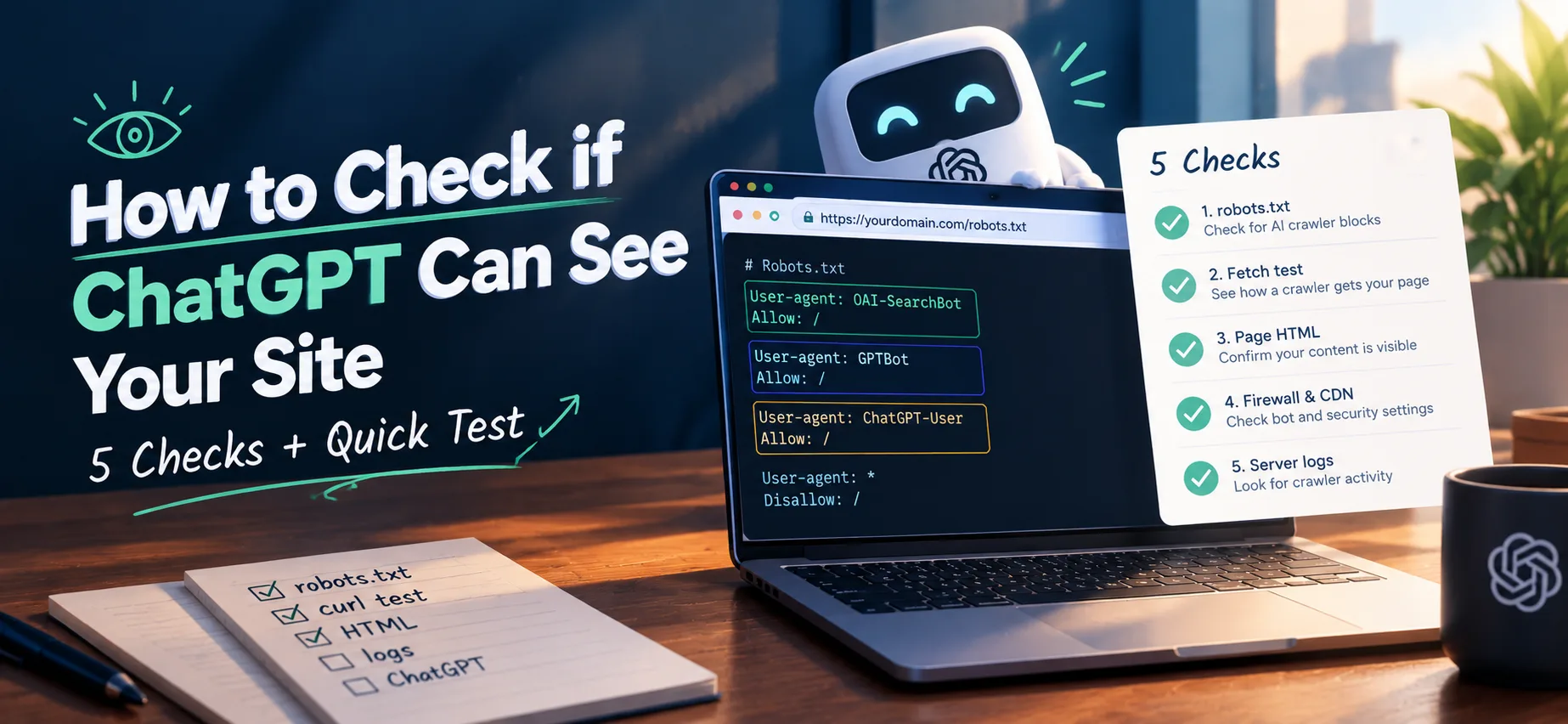
You can check whether ChatGPT is able to reach your site in about ten minutes. Run five checks: your robots.txt, a test fetch as OpenAI's crawlers, the text in your page HTML, your firewall and CDN settings, and your server logs. Then ask ChatGPT itself. No single test proves ChatGPT will cite you, but together they show whether anything is stopping it from reading your pages.
1. Read your live robots.txt
Open yourdomain.com/robots.txt in a browser. OpenAI documents three crawlers that matter here:
- OAI-SearchBot is the search crawler. OpenAI says sites that opt out of it will not be shown in ChatGPT search answers, though they can still appear as links.
- GPTBot is the crawler tied to model training. Blocking it is a separate choice from blocking search.
- ChatGPT-User fetches pages when a person asks ChatGPT to. OpenAI says robots.txt rules may not apply to it.
Look for any of these names followed by Disallow: /. Then check for a wildcard that catches everything. A User-agent: * group applies only to crawlers that have no group of their own, so this file blocks GPTBot but not OAI-SearchBot:
User-agent: *
Disallow: /

User-agent: OAI-SearchBot
Allow: /
Blocks like this are easy to leave behind. In our scan of 97 large sites on 4 October 2026, 25 of the 71 sites with a readable robots.txt and llms.txt blocked at least one AI crawler. The list was hand-picked, with one page per site, so treat that as a snapshot and not a survey. Some blocks are deliberate. The point is to know whether yours is.
Not sure which names to look for? See the AI crawler list for robots.txt. If you find a block you did not intend, here is how to fix robots.txt blocking AI bots by accident. If GPTBot is blocked and you want it allowed, see how to allow or block GPTBot in robots.txt. Changes can take a day or so to be picked up.
2. Fetch a page as each crawler
Run this from any terminal, once with no user agent and once per crawler name:
curl -sS -o /dev/null -w "%{http_code} %{size_download}\n" https://yourdomain.com/
curl -sS -o /dev/null -w "%{http_code} %{size_download}\n" -A "OAI-SearchBot/1.4" https://yourdomain.com/
curl -sS -o /dev/null -w "%{http_code} %{size_download}\n" -A "GPTBot/1.3" https://yourdomain.com/
You want the same status code and roughly the same byte count every time. A 403, 429 or 503, or a response a fraction of the browser's size, means that name is being turned away. Version numbers change, so the exact string matters less than the name.
This test has a limit. It changes only the name your request announces, and it still comes from your own IP address. A firewall that checks the sender's address can pass this test and still turn away the real crawler, which is why steps 4 and 5 matter.
3. Check the text is in the HTML
Right-click your page, choose View Source, and search for a sentence from your main content. If it is there, a crawler that does not run JavaScript can read it. If the page is an empty shell that fills in after scripts run, some crawlers will see almost nothing.
While you are in the source, search for noindex, noarchive and nosnippet. These robots meta tags, and the matching X-Robots-Tag header, can stop a page being indexed or shown, and they are often added by plugins without anyone noticing.
4. Check your firewall, CDN and bot settings
A site can allow a crawler in robots.txt and still refuse it at the server. Security plugins, CDNs and hosts sometimes challenge or block unfamiliar bots. These blocks work separately from robots.txt, so your robots.txt can look fine while a bot is still turned away.
Cloudflare is the common example. It now lets you set search, agent and training bots separately, each to allow, block on pages with ads, or block entirely. From 15 September 2026, new domains on Cloudflare have training and agent bots blocked by default on ad-supported pages, with search allowed. ChatGPT-User acts for a person in real time, which is the agent category, so it is worth checking that setting. Cloudflare can also add an AI-crawler block to your robots.txt above your own rules, so read the live file and not the one in your project.
OpenAI publishes the IP ranges its crawlers use (for example openai.com/searchbot.json) and recommends allowing them. If you run a firewall, allow those ranges explicitly.
5. Look in your server logs
If you can access logs, search for the crawler names:
grep -Ei "OAI-SearchBot|GPTBot|ChatGPT-User" access.log
Requests with a 200 status mean the crawler is getting through. Many 403s or 429s point to a block upstream of your robots.txt. A user-agent name can be faked, so compare the source IPs against OpenAI's published ranges before trusting the count. If a site with regular content never shows OAI-SearchBot after several weeks, look closer at steps 1 to 4.
6. Ask ChatGPT, and check your referrals
With search switched on, ask ChatGPT a question your page answers well and see whether it links to you. Answers vary from run to run, so a miss proves little and a hit is a good sign, not a guarantee. In GA4, filter session source for chatgpt.com to see whether it has sent visitors. That is a partial signal, since not every visit carries a referrer.
A quick shortcut
The AEO checker checks your robots.txt against 13 known AI crawlers, along with other answer-engine signals. For a crawler-only view, use the AI crawler checker. Both read robots.txt only, so a firewall block stays invisible to them. Steps 2, 4 and 5 cover that.
What this cannot tell you
Being able to read your site is the minimum, not a guarantee. Whether ChatGPT cites a page depends on factors no outside tool can see. Once the barriers are gone, the next job is the content itself: see how to write answers AI tools can quote.
Comments
No comments yet — be the first.